
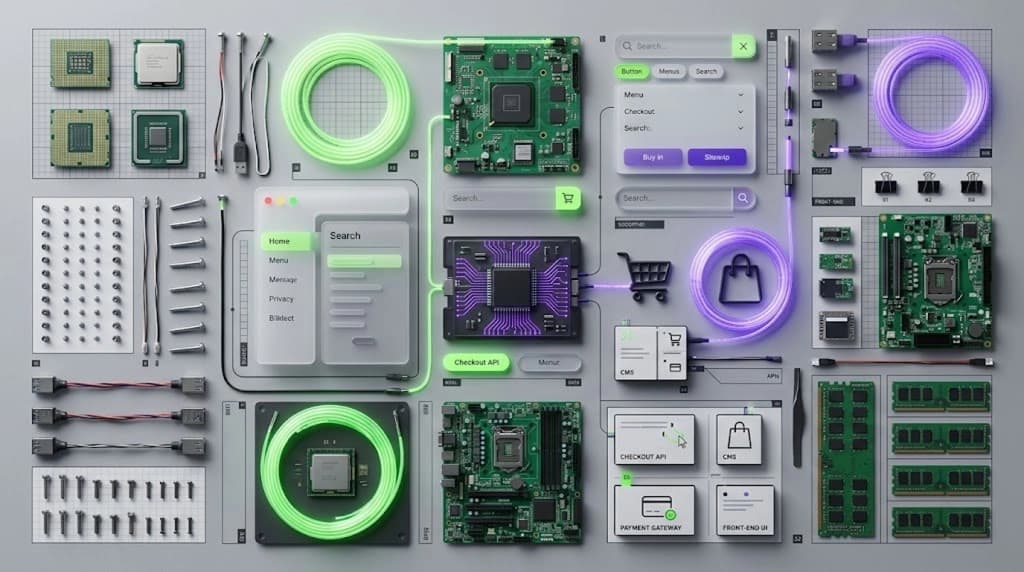
We built our own website on Next.js with a custom CMS. A blog, a portfolio, a media library with alt text, a navigation editor, and an SEO section with four tabs of its own. None of it came in a box.
Leaving the built-in admin doesn’t remove work. It moves the work to you.
That’s headless in miniature, and it’s the part most pitches skip. Headless Shopify makes the same trade. Here’s how it works, what it costs to own, what breaks, and who should skip it.
How headless Shopify works
Shopify keeps running your products, inventory, customers and checkout. You build the storefront as a separate app that pulls data through Shopify’s Storefront API. Hydrogen is Shopify’s framework for that app. Oxygen is its hosting.
2 things changed this summer, and both matter if you’re weighing a Next.js build. Shopify’s 17 June changelog listed a Hydrogen developer preview where the next version works in any JavaScript framework. On 30 June the Deploy to Vercel button started creating an example Next.js and Hydrogen storefront.
Here’s the catch. Shopify’s own docs still call the React Router version of Hydrogen the fully supported path. The Next.js route is a developer preview. Build on it with your eyes open.
What it costs to own
Hosting is the cheap part. Hydrogen is free and open source, and Oxygen hosting is included with supported Shopify plans. Check your exact plan before you design around it, because sources disagree on which plans qualify.
The expensive part is engineering, and published estimates are all over the place. One advisory firm puts a one-off build at roughly $10K to $150K or more. An agency says 3 to 6 months and $40,000 to $150,000. A Hydrogen vendor puts a mid-range first year at $300K to $600K. Firms that sell or advise on this work wrote all three. A gap that wide means the scope is doing the talking, so get the scope in writing.
Then there’s upkeep. Hydrogen versions are tied to Shopify’s API versions, which update every three months, and breaking changes can land on that cadence. Someone owns that every quarter. Hmm. Make sure that line is in the quote.
What breaks
Headless doesn’t add to your theme. It replaces it. Themes, the theme editor and most apps that inject into Liquid stop working. Theme app extensions are expected to be incompatible, because headless storefronts don’t use themes. Reviews, loyalty, search and subscriptions each need their own API integration, and you lose the drag-and-drop theme editor unless you build a custom preview system.
Checkout is the other wall. The cart hands off to Shopify’s hosted checkout, and customising it is limited unless you’re on Plus with checkout extensibility. Your old URLs and redirects become your job to rebuild too.
If a headless pitch doesn’t cover apps, checkout, redirects and who handles the quarterly API updates, ask why not.
Who should skip it
Most stores. Here’s the test I’d use. It’s my judgement, not a law. Skip headless unless all three are true-
- You’ve hit a specific limit in a Liquid theme, and you can name it.
- You can fund engineering every month, not once.
- A small conversion lift pays for all of it at your revenue.
One advisory firm’s view is that for brands under roughly $10M to $20M in revenue, a standard theme with a disciplined app stack delivers nearly all the value. A Shopify expert on the community forum says most brands get better returns from pushing Liquid to its limits first: fewer apps, a tuned theme, edge caching.
And Liquid keeps moving. Shopify’s Summer ‘26 Edition added native A/B testing for themes and checkout. The theme editor can now nest sections. That doesn’t kill every reason to go headless. It does remove a few.
When it does make sense
Real reasons exist. Custom URL structures to protect legacy SEO, or editorial content from a CMS like Sanity or Contentful merged with Shopify’s checkout and product data. One catalogue feeding a website, a mobile app and an in-store kiosk. Or a performance ceiling you’ve actually hit after the cheap fixes, not before them.
If that’s you, headless can be a real edge. If it isn’t, you’d be paying to rebuild what a theme already gives you.
Questions to ask before you sign
What’s in the scope, line by line? Who owns the quarterly API upgrades? Which apps need replacing, and what do the replacements cost each month? What’s the redirect plan? How will your team edit and preview pages once the theme editor is gone?
Any agency should answer those in writing. That includes us.
We build in Next.js, so you’d expect us to say go headless. Most of the time we’d tell you not to. Running our own custom site showed us what every bespoke piece costs to keep alive, and that’s before you add a store’s worth of apps and a checkout.
Headless is a good tool for a specific problem. The expensive mistake is buying it for a different one.
--
If this sounds like your situation, let’s look at it together- everther.com